CS2 viewmodel commands: FOV, offsets and left hand
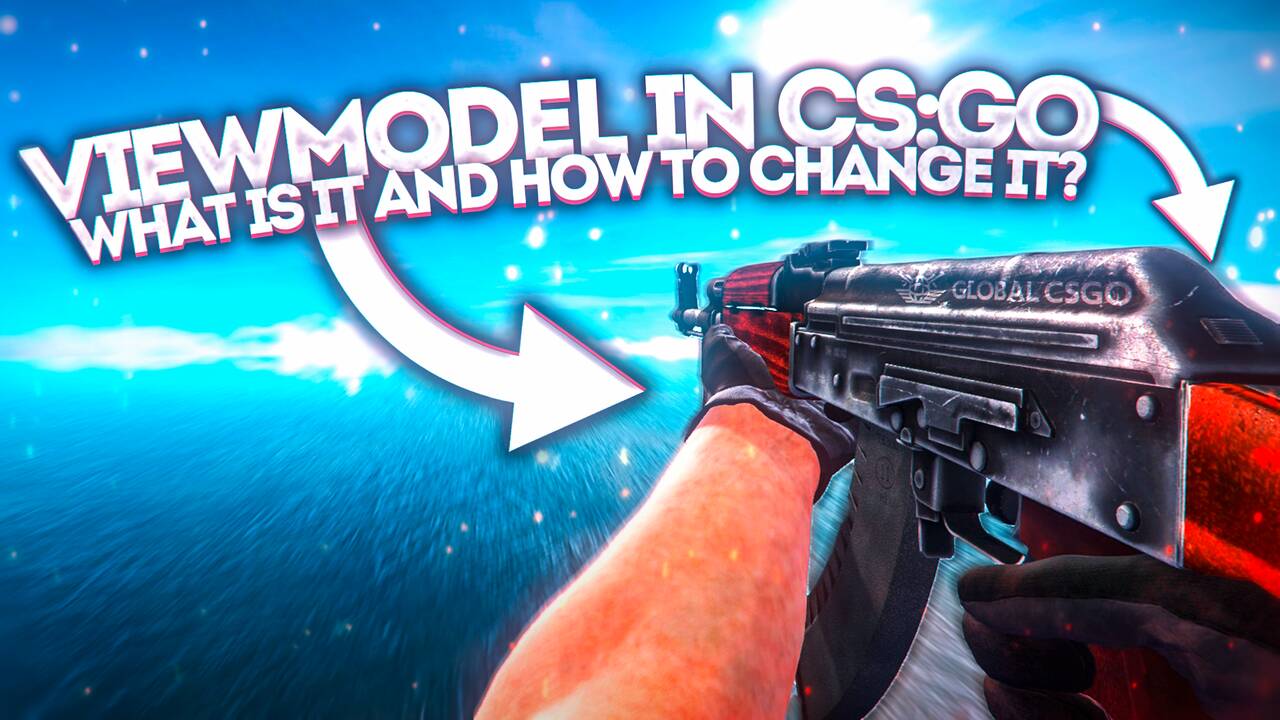
Table of contents
Your viewmodel is the gun and hands drawn in the lower part of your screen. CS2 lets you move that model left and right, forward and back, and up and down, and choose which hand holds it. It does not let you change how much of the map you see. Most of the confusion about "CS2 FOV" comes from mixing those two up.
Below are the commands that still exist in CS2, with the ranges the game itself enforces. We took every range from the current build's command list (convar dump of the CS2 game files, checked 2026-11-02), so a value outside these limits is clamped by the game, not by us.
CS2 viewmodel commands
| Command | Range | Default | What it does |
|---|---|---|---|
viewmodel_fov | 60 to 68 | 60 | Field of view used to draw the gun. Higher values draw the weapon smaller and further from the middle of the screen. |
viewmodel_offset_x | -2 to 2.5 | 1 | Moves the gun sideways. |
viewmodel_offset_y | -2 to 2 | 1 | Moves the gun forward or back. |
viewmodel_offset_z | -2 to 2 | -1 | Moves the gun up or down. Negative values lower it. |
viewmodel_presetpos | 1 or 2 | 1 | Ready-made positions. The game's help text lists 1 as "Desktop" and 2 as "Classic". |
cl_prefer_lefthanded | 0 or 1 | 0 | Your default hand. 1 puts the gun in the left hand. |
switchhands | (command) | bound to H | Flips the gun to the other hand while you play. |
Type any of them into the console with a value, for example viewmodel_fov 68. Typing the name alone prints the current value. If the console is new to you, our console commands page explains how to enable it.
Viewmodel FOV is not your field of view
viewmodel_fov changes only the camera used to draw your weapon. Raising it from 60 to 68 makes the gun look smaller and moves it out of the centre. Walls, players and the edges of the map stay exactly where they were.
The setting that would change your actual view is fov_cs_debug, and the game describes it as "Sets the view fov if cheats are on." It carries the cheat flag in the command list, so it only works with sv_cheats 1 on a server you control. In matchmaking, no console command changes your field of view.
That is also why the gun position is a matter of taste more than an advantage. A smaller, lower gun shows you more of what sits behind it, but it does not widen your view.
How to switch to left hand in CS2
There are three ways, and they do different things:
cl_prefer_lefthanded 1makes the left hand your default. The game's settings text calls this "Preferred Viewmodel Left/Right Handedness" and adds that "there is also a key binding to switch hands temporarily during gameplay" (CS2 English game text, checked 2026-11-02).switchhandsflips hands on the spot. CS2's default key layout binds it to H (checked 2026-11-02).switchhandsleftandswitchhandsrightforce one side, which is handy on a bind when you want a key that always means left rather than a toggle.
If you are coming from CS:GO, cl_righthand 0 is the command you remember. It is not in CS2's current command list, so it does nothing. Use cl_prefer_lefthanded 1 instead.
Left hand is worth a try when you hold an angle on the right side of the screen, where a right-handed model covers the corner you are watching. Flip with H for that position, flip back after.
Two setups to start from
There is no correct viewmodel. These are two starting points at opposite ends: paste either line into the console, then adjust one value at a time.
Smallest gun, most screen:
viewmodel_fov 68; viewmodel_offset_x 2.5; viewmodel_offset_y 0; viewmodel_offset_z -1.5
Maximum FOV and the largest sideways offset push the model to the edge, and the low z value drops it out of the centre. Try it if the gun feels like it gets in the way.
Default position, slightly smaller gun:
viewmodel_fov 64; viewmodel_presetpos 1
Keeps the default placement and only shrinks the model a little. A good choice if the max-offset setup feels like the gun is floating off screen.
Both stay inside the game's limits, so nothing gets clamped. To keep a setup after you close the game, put the commands in your autoexec.cfg, one per line. Our console commands page covers where that file goes.
CS:GO viewmodel commands that no longer work
Older guides, including the version of this page we published in 2021, list these. None of them is in CS2's current command list, so pasting them does nothing:
cl_righthand: replaced bycl_prefer_lefthandedandswitchhands.cl_bob_lower_amt,cl_bobamt_lat,cl_bobamt_vert,cl_bobcycle: the weapon-bob family. CS2 has no setting for gun sway.cl_viewmodel_shift_left_amt,cl_viewmodel_shift_right_amt: CS:GO's viewmodel shift settings.viewmodel_recoil: gone as well.
We used to print "pro viewmodel settings" here. They were CS:GO configs, we could not source them, and most lines used the commands above. We took them out rather than pass them on.
Related
- CS2 console commands: crosshair, radar, HUD and practice commands in one place.
- CS2 binds: put
switchhandsor a viewmodel preset on a key. - Crosshair generator: the other setting players copy from someone else and then never touch again.
Frequently asked questions
What is the max viewmodel FOV in CS2?
- viewmodel_fov accepts 60 to 68, and 60 is the default. It only changes how the gun model is drawn, not how much of the map you can see.
How do I change my FOV in CS2?
You can't, outside a server with cheats on. The command that sets the view FOV, fov_cs_debug, is flagged as a cheat. viewmodel_fov is a different setting: it moves the weapon model and leaves your view of the world alone.
How do I switch to left hand in CS2?
Set cl_prefer_lefthanded 1 to make the left hand your default, or press H, which is bound to switchhands by default, to flip hands during a round. The CS:GO command cl_righthand is not in CS2's current command list.
What are the viewmodel offset ranges in CS2?
viewmodel_offset_x goes from -2 to 2.5, viewmodel_offset_y from -2 to 2, and viewmodel_offset_z from -2 to 2. Defaults are 1, 1 and -1.
Written by
Guides & news
Guides, news and reference pages published by GlobalCSGO. Site reviews are tested and signed separately by Nosey.